

What This Is
Upgraded from the A1 Mini to the A1 Combo. Main reasons were the larger build volume and the AMS lite system for multi-color printing.
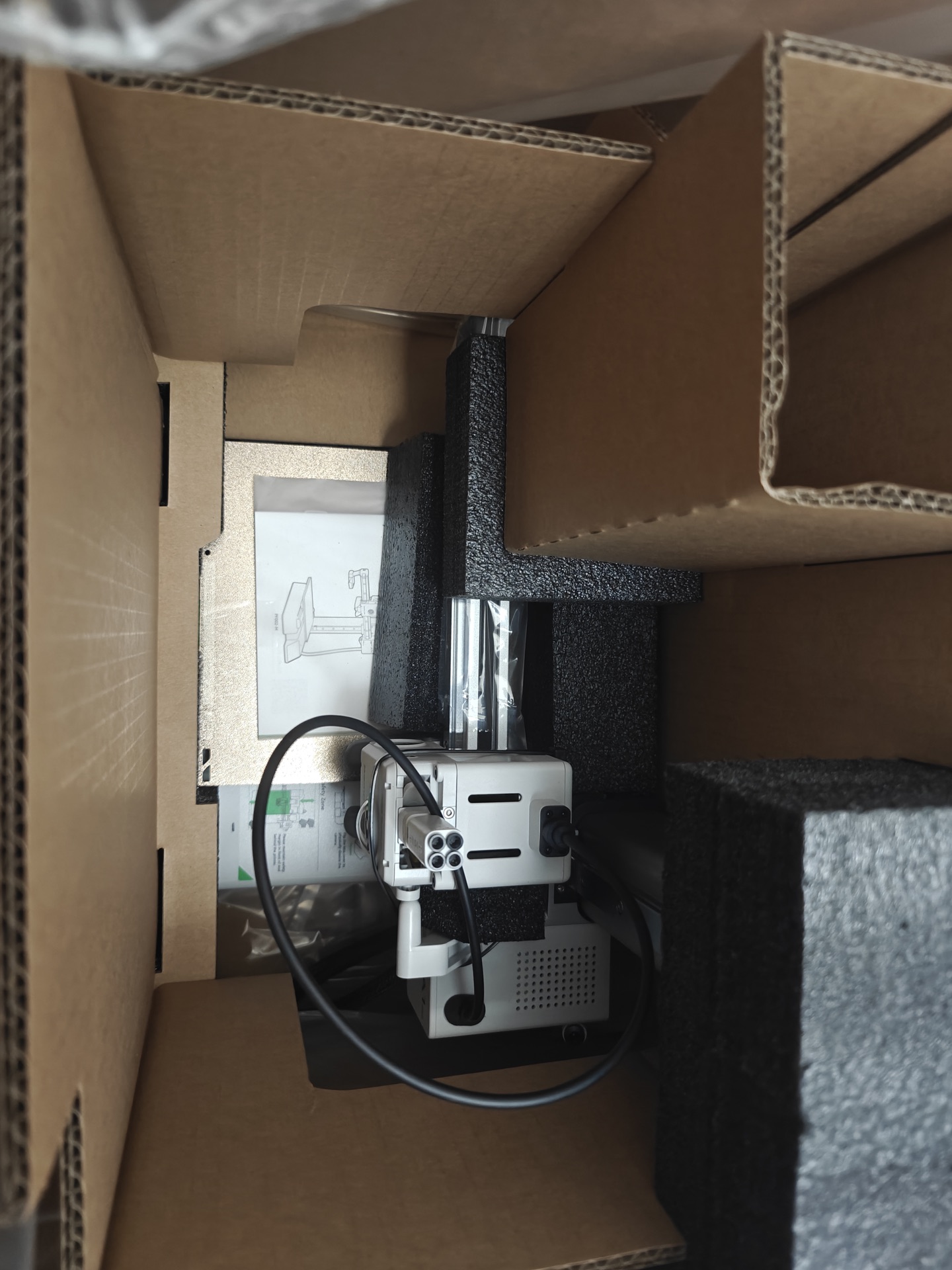
The Differences
Build volume:
- A1 Mini: 180 x 180 x 180mm
- A1 Combo: 256 x 256 x 256mm
- About 2.2x more volume
AMS lite:
- Holds 4 filament spools
- Automatic switching between colors
- No manual filament changes during prints
- Flexible positioning
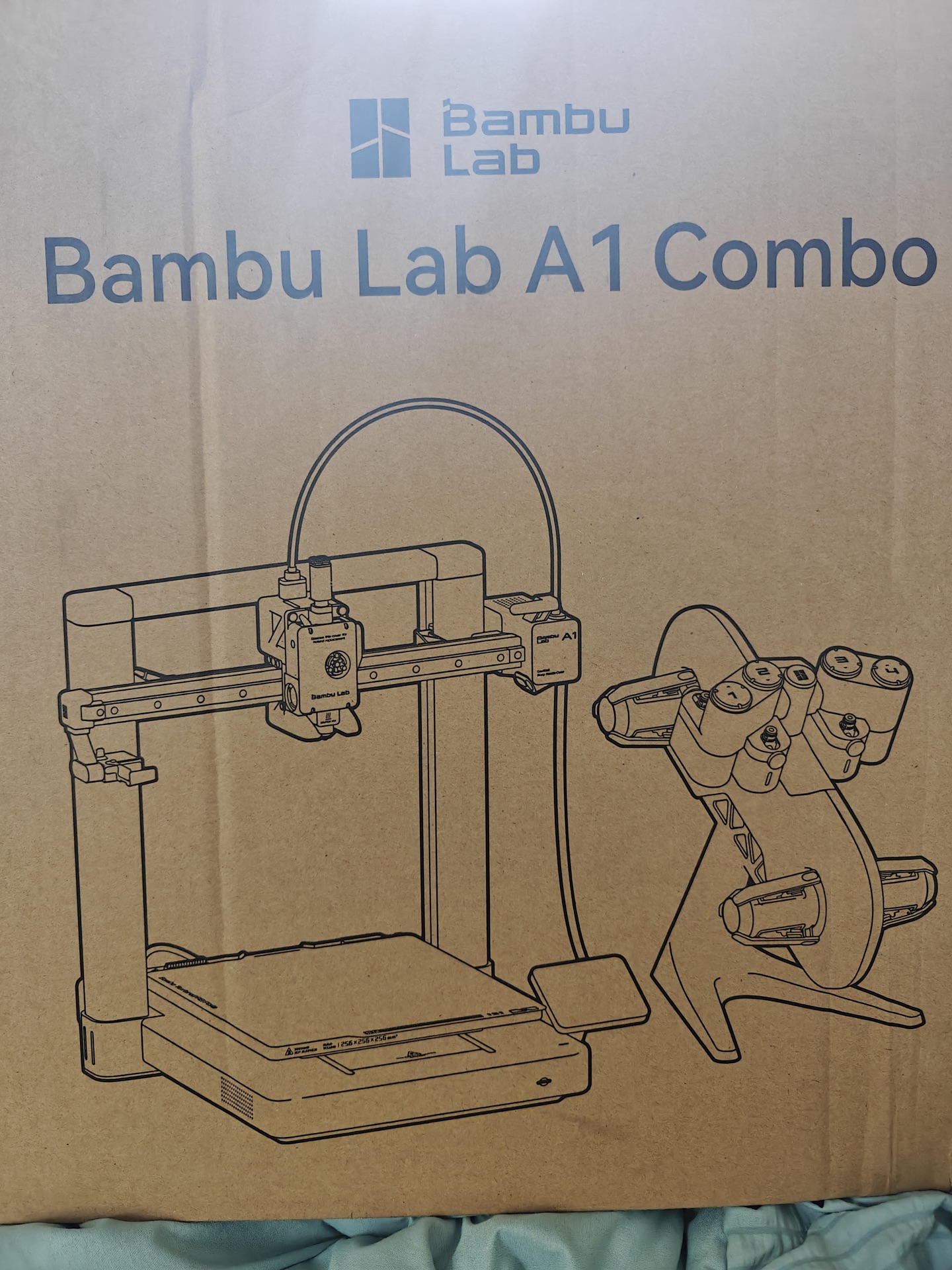
Setup
Same easy setup as the A1 Mini. Unbox, screw a few parts, power on, calibrate. AMS lite connects via PTFE tubes to all 4 toolhead inlets.
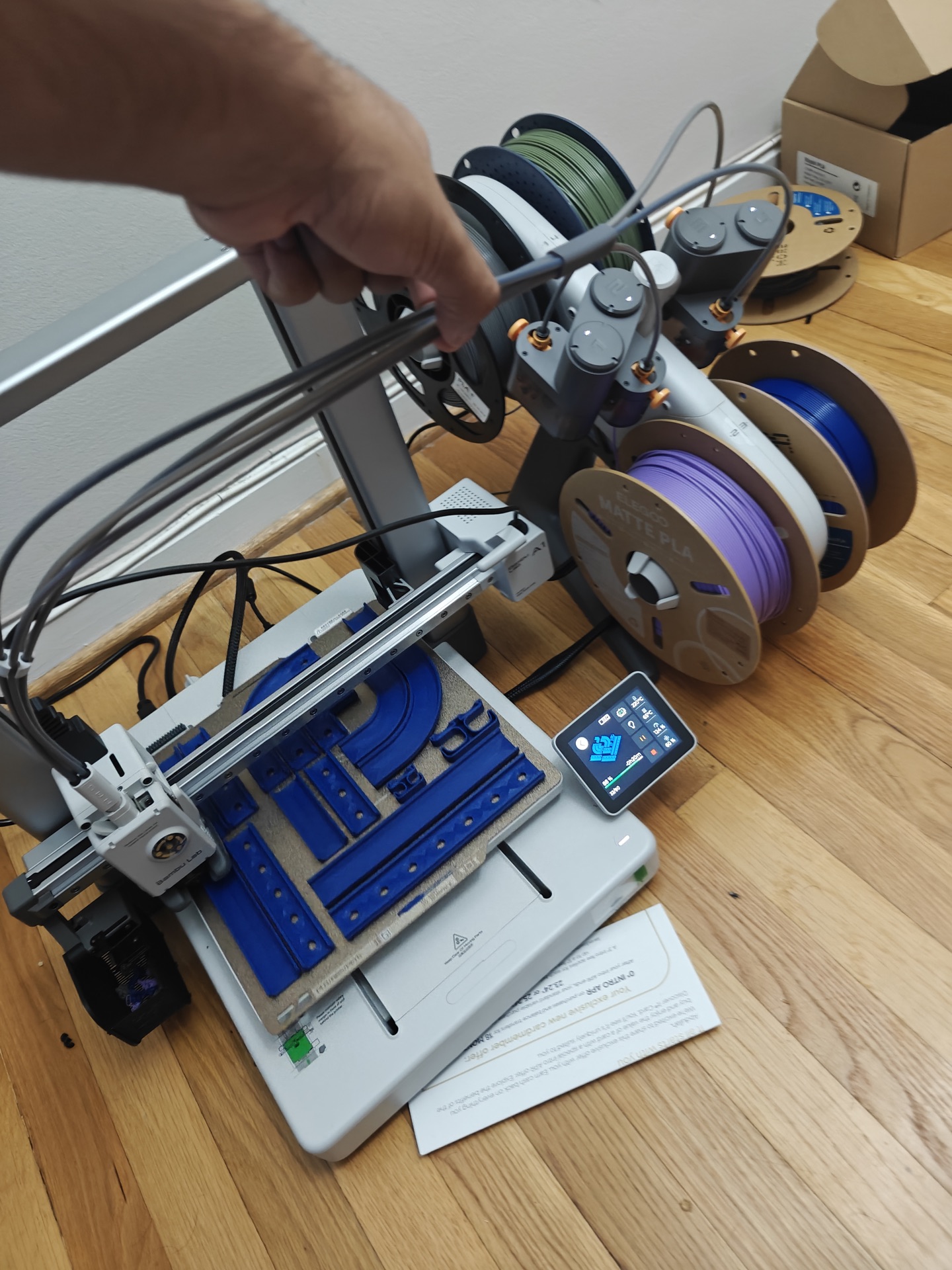
The bigger build plate was immediately useful for larger organizational prints and multi-part assemblies.
Specs Comparison
| Feature | A1 Mini | A1 Combo |
|---|---|---|
| Build Volume | 180³mm | 256³mm |
| AMS Support | External only | AMS lite included |
| Filament Slots | 1 (4 with AMS) | 4 built-in |
| Auto Color Switch | Manual/AMS | AMS lite |
| Price Difference | Base | +$120 |
Worth It?
Yes if: you need bigger prints, want multi-color without manual swaps, or print functional parts that need more footprint.
Stick with the Mini if: you only print small items, single color is enough, or budget is tight.
The AMS lite alone justifies the upgrade. Set it and forget it for multi-color prints.
Upgrade: July 2025 Status: Daily driver for workspace organization prints


