

What This Is
I wanted a home server. NAS for file storage, self-hosted apps, maybe some websites. The plan was simple: buy a cheap used PC, slap some hard drives in it, install TrueNAS, done.
It was not that simple.
The Parts
Found a used PC on eBay for about $200. ASUS Prime H510M-A motherboard, Intel Core i5-11400 at 2.6GHz, 32GB DDR4-3200. No SSD, no OS. Just the bare system.

Added to that:
- Thermaltake Smart 500W PSU - Amazon
- ORICO 128GB NVMe SSD - boot drive and cache - Amazon
- 8x HP 2.5-inch 10K SAS drives - eBay, about $50 for the lot
- 4TB HGST SATA drive - raw storage, not performant, intended as backup for the SAS array
- LSI 9207-8i HBA - IT mode, P20 firmware, with SFF-8087 cables - eBay, $37

Total spend somewhere around $300-350 depending on how you count it.
The SAS Drive Problem
SAS drives are cheap for a reason. Theyre enterprise pulls with thousands of hours on them. You dont know what youre getting. The HBA card was a whole separate learning curve - IT mode versus RAID mode, firmware versions, cable types.
The LSI 9207-8i with pre-flashed IT mode and the SFF-8087 cables saved me from having to figure out flashing firmware myself. But getting everything recognized and talking to each other took way longer than it should have.
First Build - Generic Case
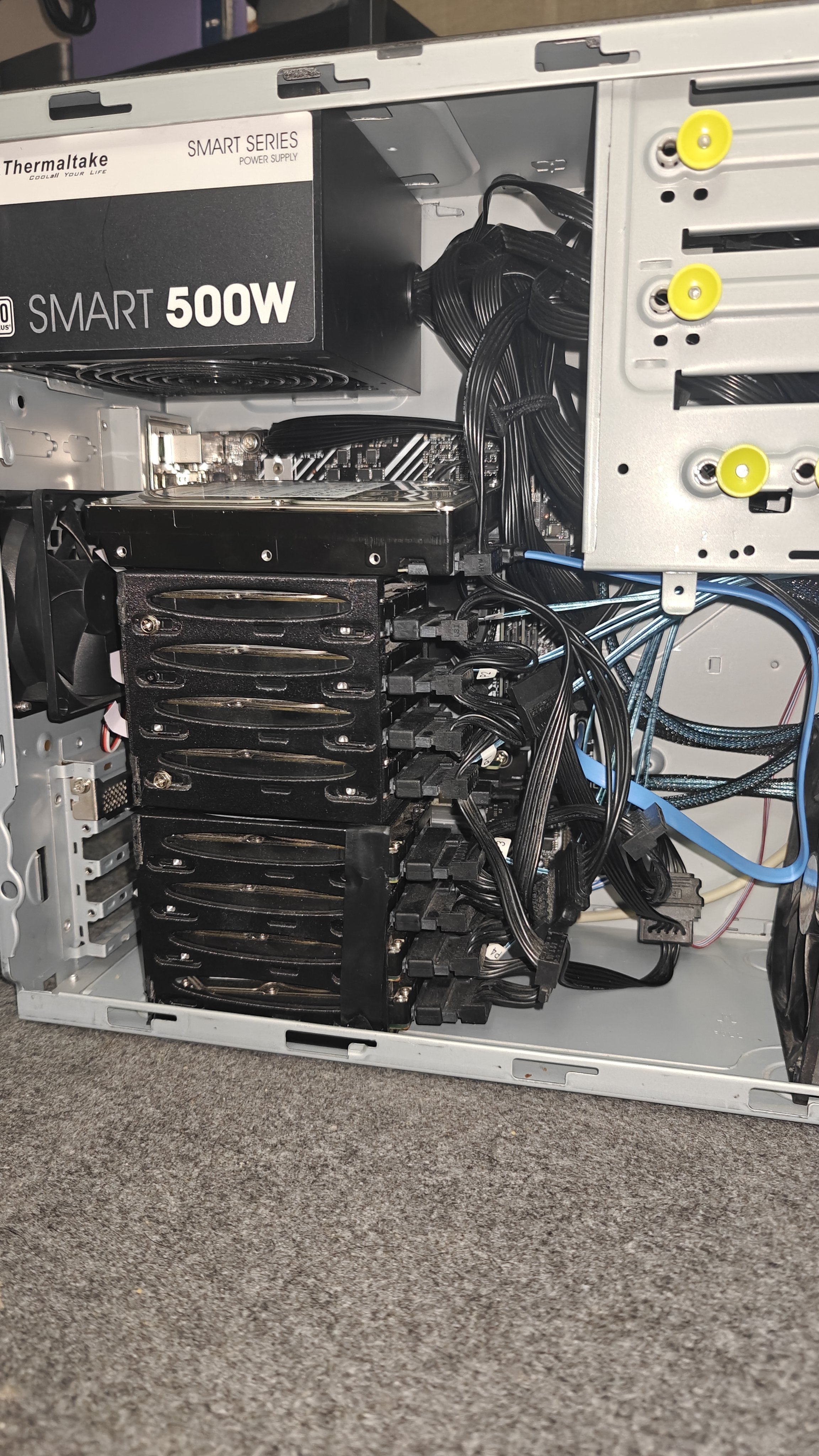
Started in whatever case the eBay PC came in. Beige interior, standard drive cages. Stacked all 8 SAS drives in the 2.5-inch bays. Cables everywhere. Thermaltake PSU at the top.
Cooling was immediately a problem. Eight 10K RPM drives in a compact space generates serious heat. I stuck fans in front and behind the drive stack. Theyre audible. Not loud enough to be annoying all the time but you definitely notice when they spin up.
The 4TB HGST just sat on top of the SAS drives because there wasnt a better place for it. Not elegant but it worked.
Moving to the Jonsbo D41
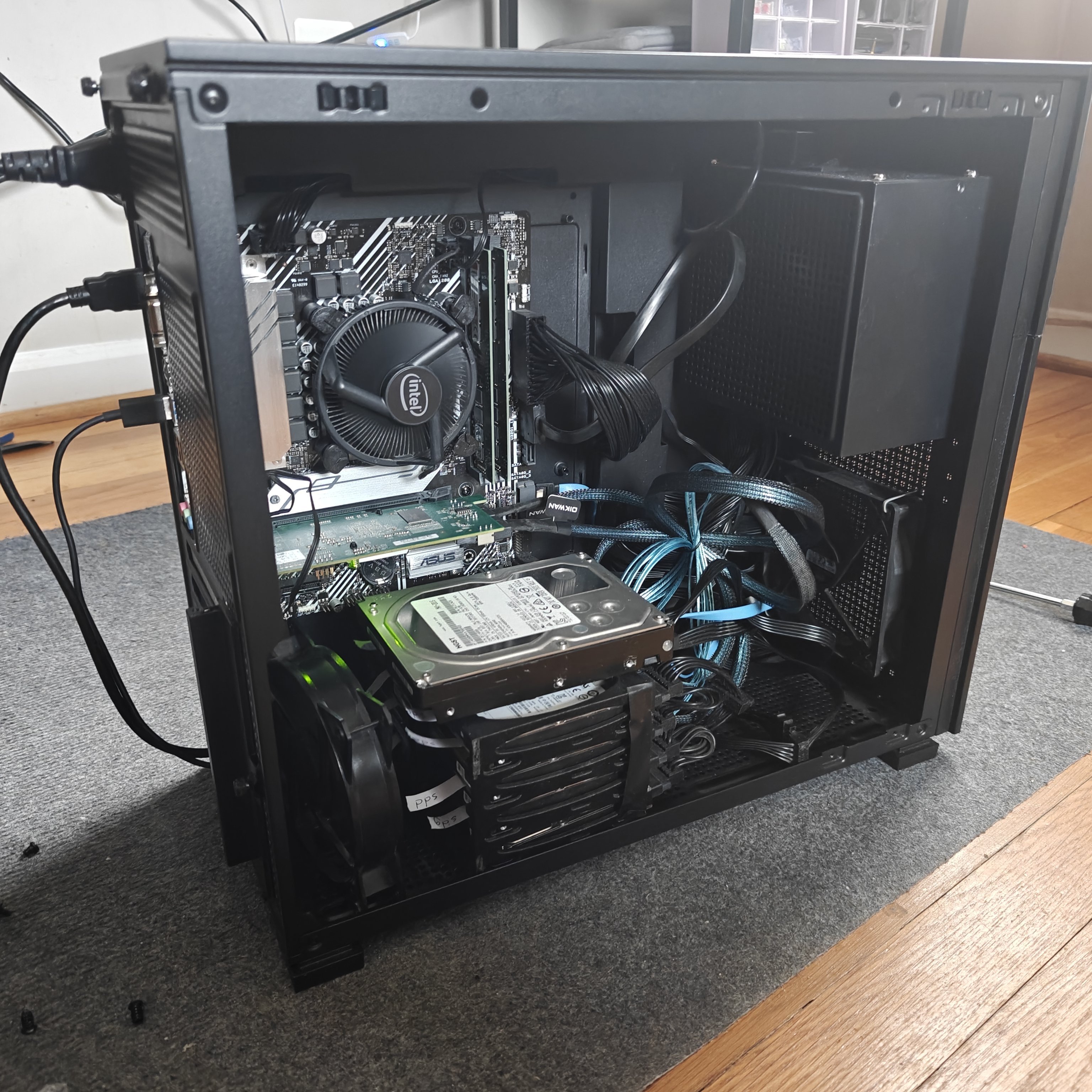
A few weeks later I moved everything into a Jonsbo D41 case. Main reason was the built-in screen on the front panel. Its a small display that can show system stats, and it looks cool.
The migration was straightforward. Same motherboard, same CPU, same drives. Just a new home with better airflow and a screen. The Jonsbo is a micro-ATX case so everything fit but it was tight. The 4TB HGST still ended up sitting on top of the drive cage because 3.5-inch drive mounts were limited.
Intel stock cooler on the i5-11400. ASUS motherboard with the LSI HBA in the PCIe slot. Blue SAS cables running from the HBA to the drive stack. Its messy inside but functional.
TrueNAS
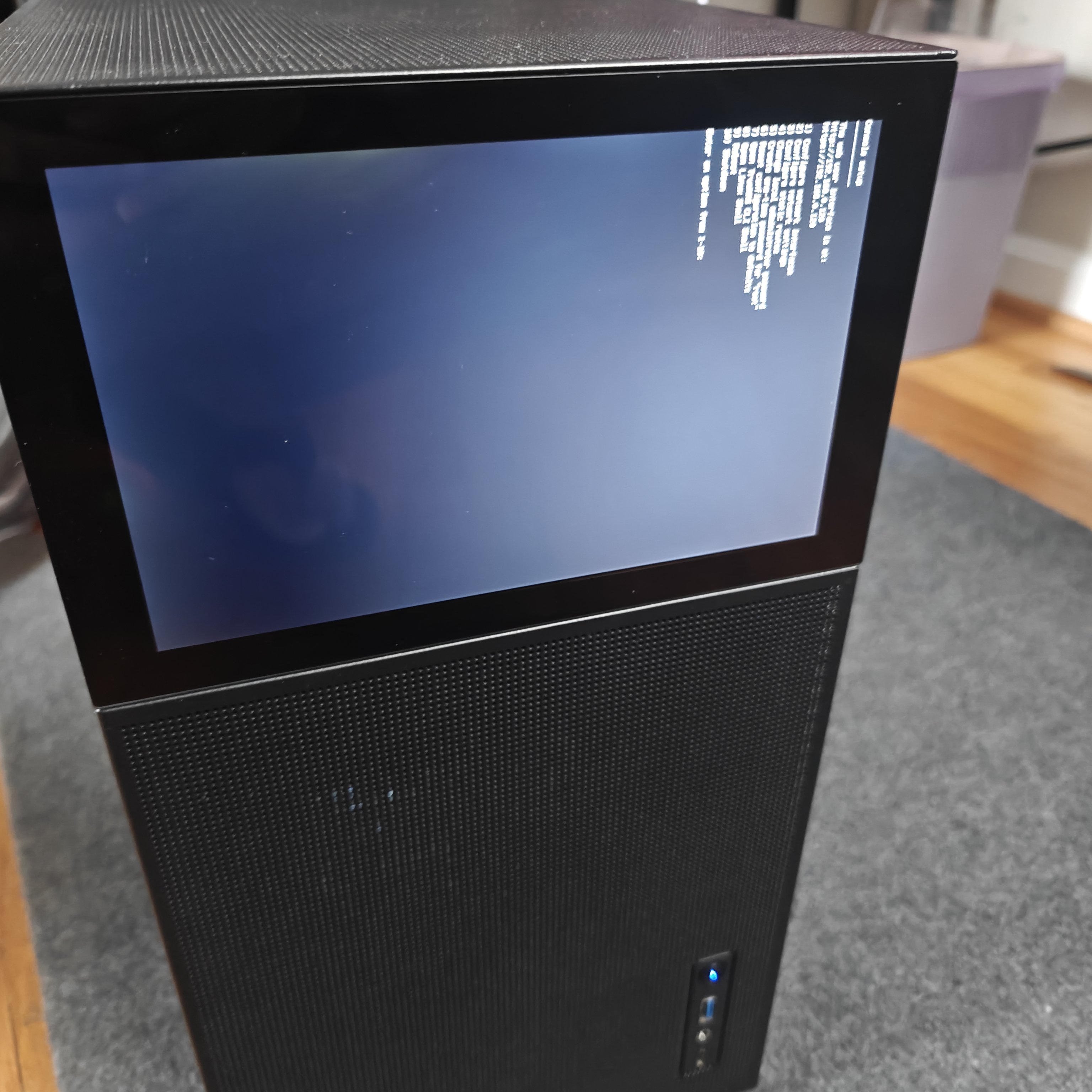
Installed TrueNAS SCALE on the 128GB NVMe. Booted fine. Set up pools with the SAS drives. The command line menu showed up on the Jonsbo front screen which felt appropriately nerdy.
TrueNAS worked at first. But over the next few months it became a headache. The project went more proprietary. Updates broke things. Debugging issues meant digging through forums and logs with sparse documentation. The amount of time I spent troubleshooting would have cost more than the hardware itself if I billed for it.
I also spun up Home Assistant on it to control the hydroponic towers in my garden. That part worked well.
The Homelab Corner
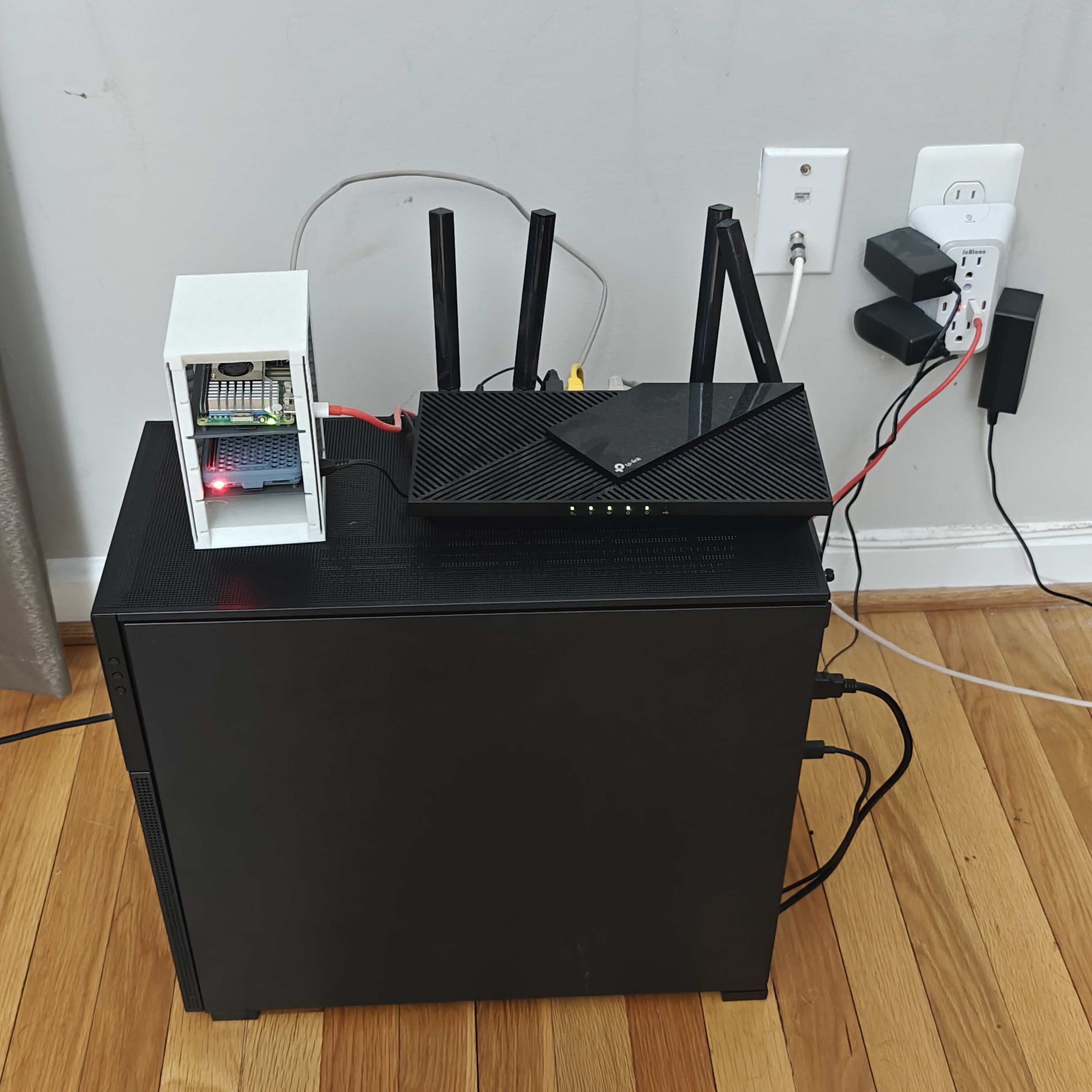
The Jonsbo sits on the floor in a corner with a TP-Link router on top and the Raspberry Pi cluster tower next to it. Not pretty but its all in one place. Power bricks, ethernet cables, the whole mess.
What I Learned
Used SAS drives are a gamble. $50 for 8 drives sounds amazing until they start failing faster than you expected. Enterprise drives with high hours are cheap for a reason.
The HBA card is half the battle. Without IT mode flashed properly youre fighting your own hardware. Pre-flashed cards are worth the extra few bucks.
Cooling matters. 2.5-inch drives in a stack need airflow. Fans in front and behind is the minimum.
TrueNAS has a learning cliff. Not a curve. A cliff. When it works its great. When it doesnt youre spending weekends reading ZFS documentation.
The Jonsbo screen is mostly cosmetic. It shows the TrueNAS menu which is neat but its not something I look at daily.
Final Word
This build taught me that cheap enterprise hardware has hidden costs. The drives were inexpensive but the time spent troubleshooting HBA cards, cable compatibility, and TrueNAS quirks added up fast. Still, for under $350 I got a functional NAS that runs 24/7 and hosts Home Assistant.
The migration to the Jonsbo case was more about aesthetics and that built-in screen than any technical improvement. But having everything in a clean-looking case with a display makes the homelab corner feel more intentional than a pile of parts in a beige box.
Build: January 14, 2025 Jonsbo migration: February 2025 Status: Running TrueNAS, hosting Home Assistant


