

What This Is
Opened up a MacBook Air 2015 13-inch. Apples final iteration of the classic tapered aluminum design before everything went USB-C and soldered beyond recognition.
Inside
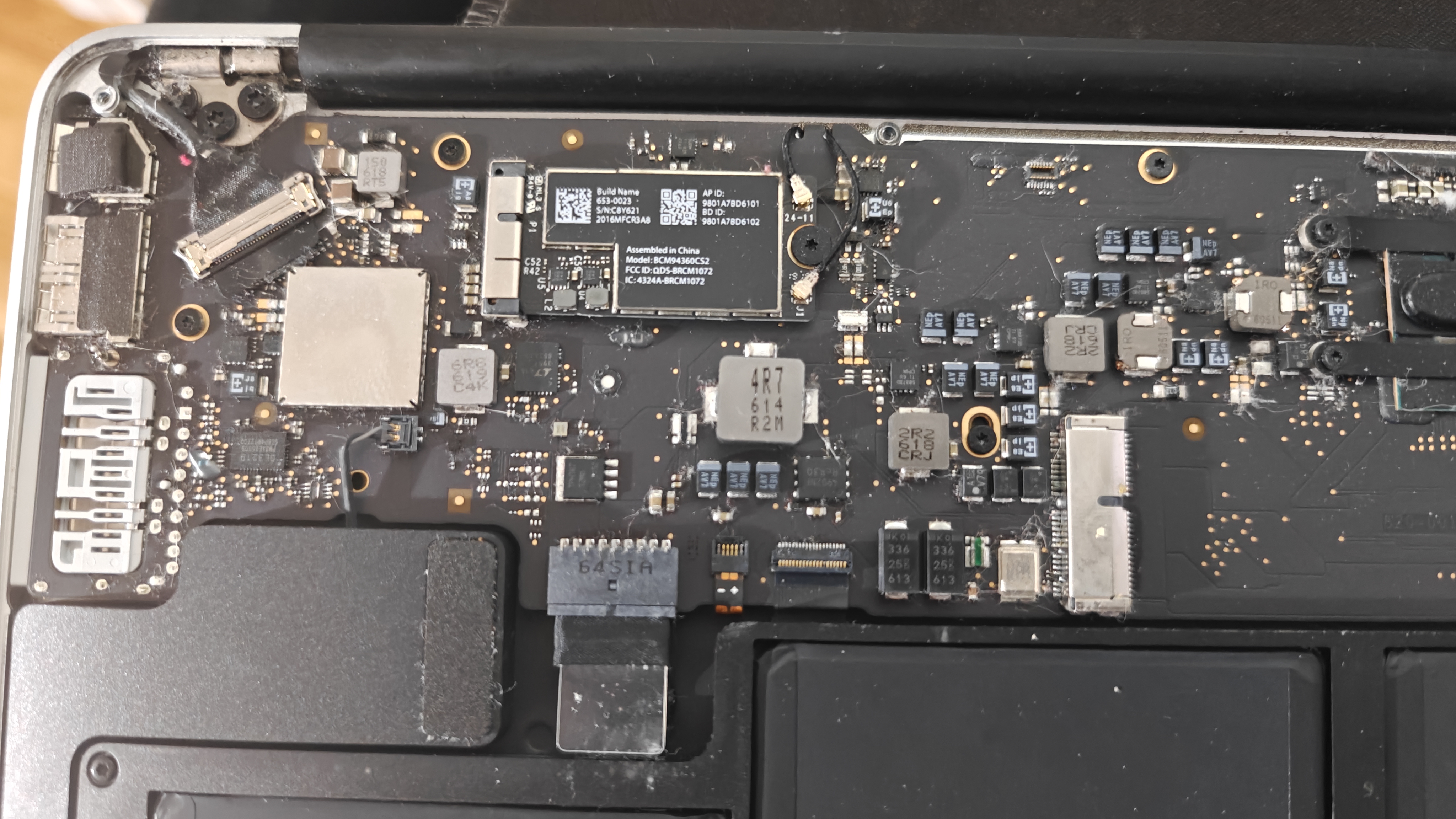
Typical Apple layout. Everything soldered and packed tight for maximum space efficiency. Battery dominates one side, logic board on the other.
The Firmware Problem
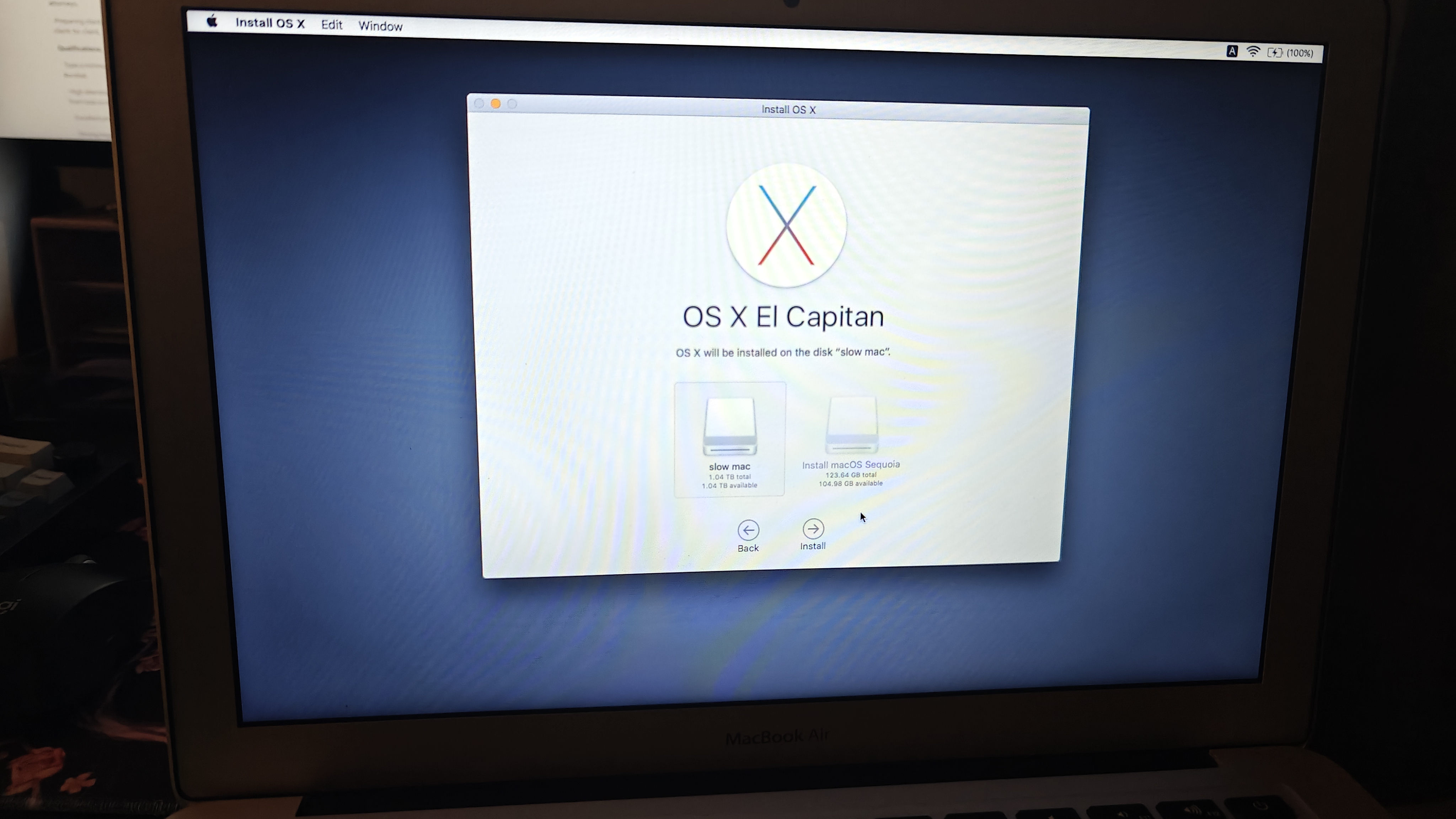
This machine came with OS X El Capitan. I wanted to see how far it could go. Modern macOS needs the NVMe firmware update that Apple shipped with High Sierra 10.13. Without it, third-party SSDs wont be recognized at all.
The catch: you need the original Apple SSD present during the High Sierra install to get that firmware update. Then you can swap to a third-party drive and install whatever you want with OpenCore.
Its a pain. You cant just slap a new SSD in and install from scratch.
SSD Upgrade
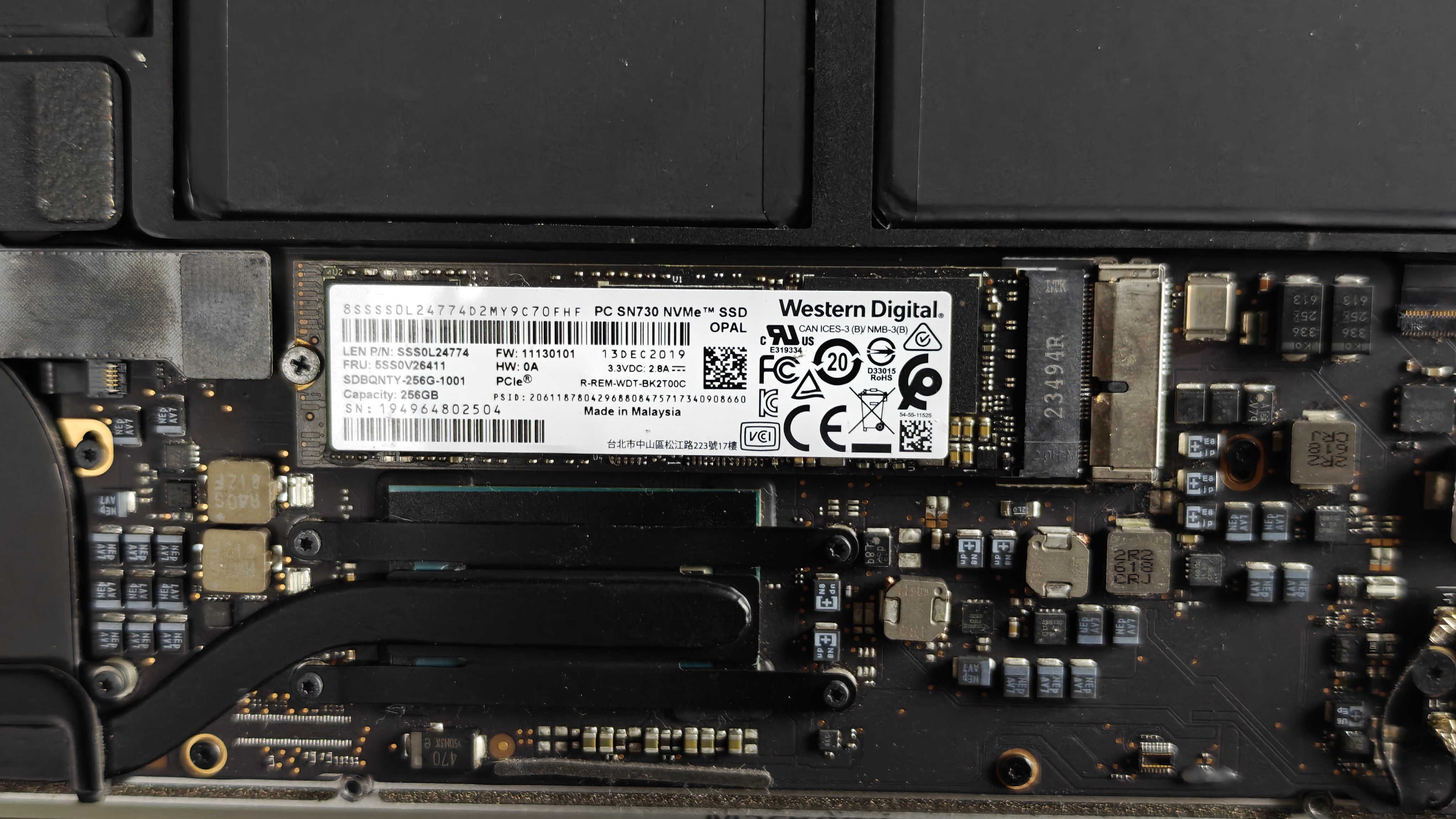
Apple used a proprietary connector. Standard M.2 drives dont fit. You need an adapter.
The adapter costs about 15% in speed. A 3500MB/s drive might hit 3000MB/s through the adapter. Still faster than the original Apple SSD which topped out around 1200-1500MB/s.
Sintech adapters are the most widely documented. Seating matters. Some drive models play nicer than others.
Specs
- 1.6GHz dual-core Intel Core i5 (Broadwell)
- 4GB or 8GB of 1600MHz LPDDR3, soldered, not upgradeable
- 128GB or 256GB PCIe flash storage, upgradable with adapter
- Intel HD Graphics 6000
- 13.3-inch 1440x900 display
- 802.11ac WiFi, Bluetooth 4.0
- Two USB 3.0 ports, Thunderbolt 2, SDXC slot, MagSafe 2
Officially supports up to macOS 12 Monterey. Needs OpenCore Legacy Patcher for anything newer.
Repairability
- Bottom case removes with 10 Pentalobe screws. No glue.
- Battery replaceable but requires dealing with adhesive.
- RAM is soldered. Not upgradeable.
- SSD replaceable with an adapter.
- Logic board repair is difficult due to integrated components.
Inspection: March 2, 2025 Status: Needs original SSD for firmware update before modernization


